
Posters & flyers
Posters and flyers
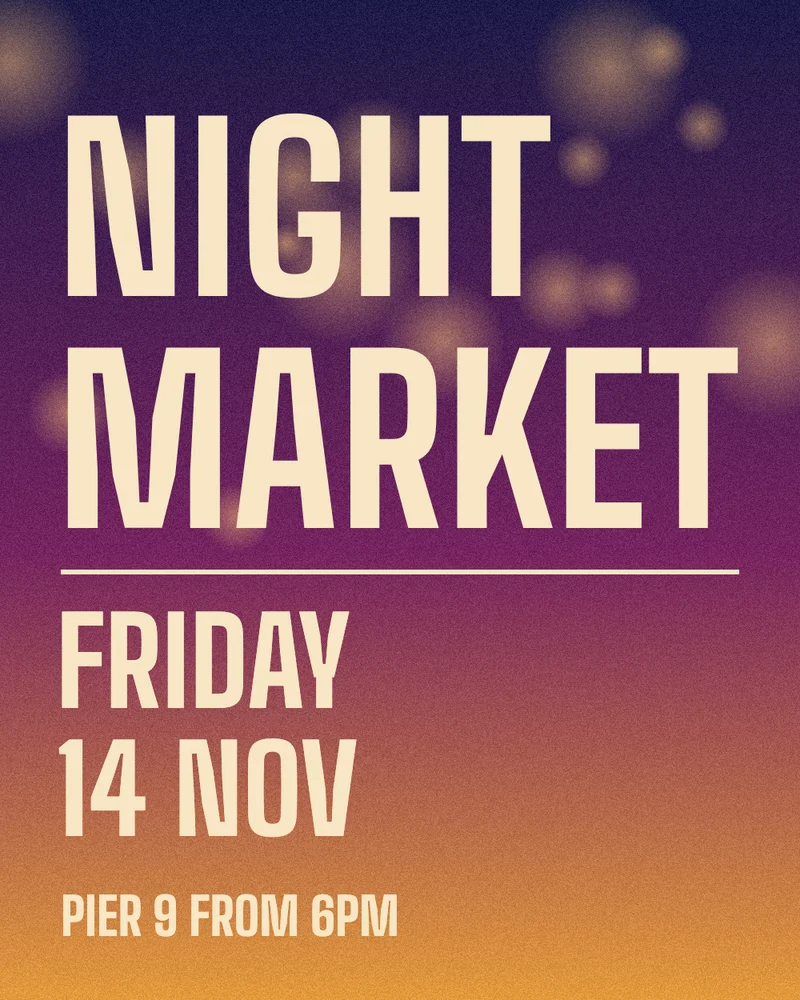
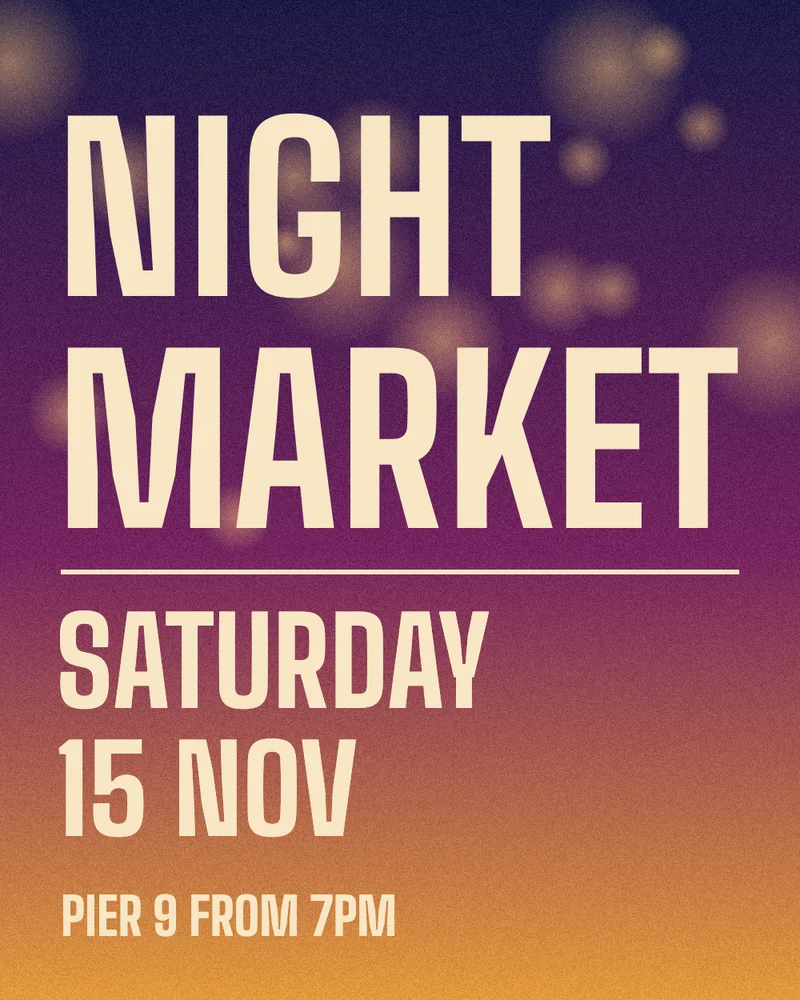
The date moved after the posters went up. Change the day, date and time on the finished poster, in the same condensed lettering, without reopening the design file.
- FRIDAYSATURDAY
- 14 NOV15 NOV
- 6PM7PM
Select the words you want to change and type the new ones. AI redraws only those areas to match the original lettering, and the rest of the image stays as it was.
Six everyday jobs. Each pair is an illustration made for this page; only the words in the tags changed.
Posters & flyers
The date moved after the posters went up. Change the day, date and time on the finished poster, in the same condensed lettering, without reopening the design file.
Retail
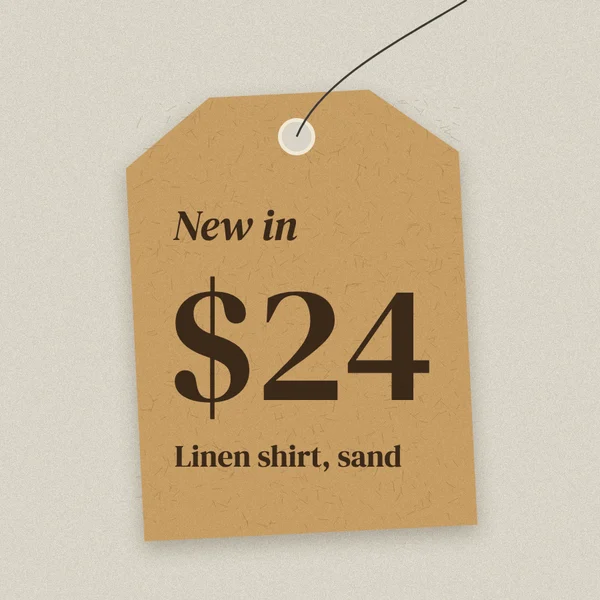
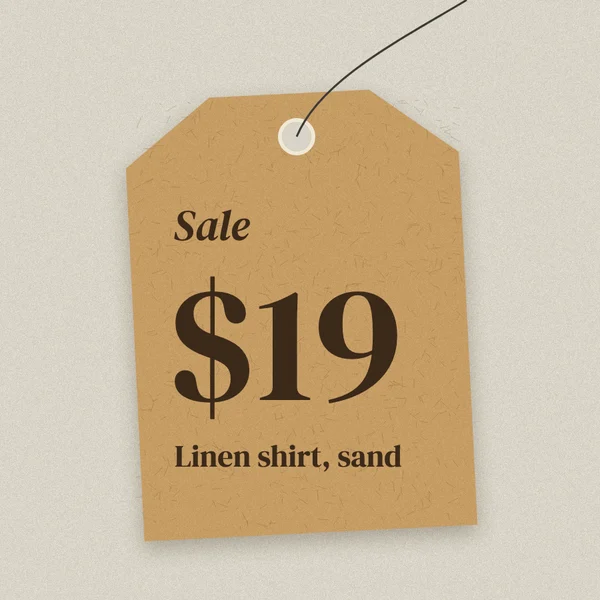
Mark down a price on a photo of the tag you already have. The paper texture, the string and the shadow stay exactly as they were.
Product & UI
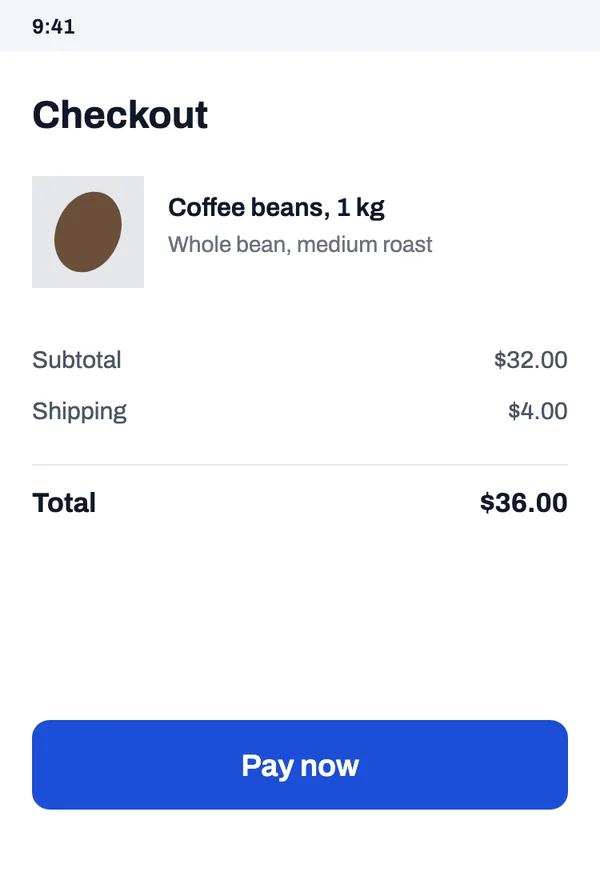
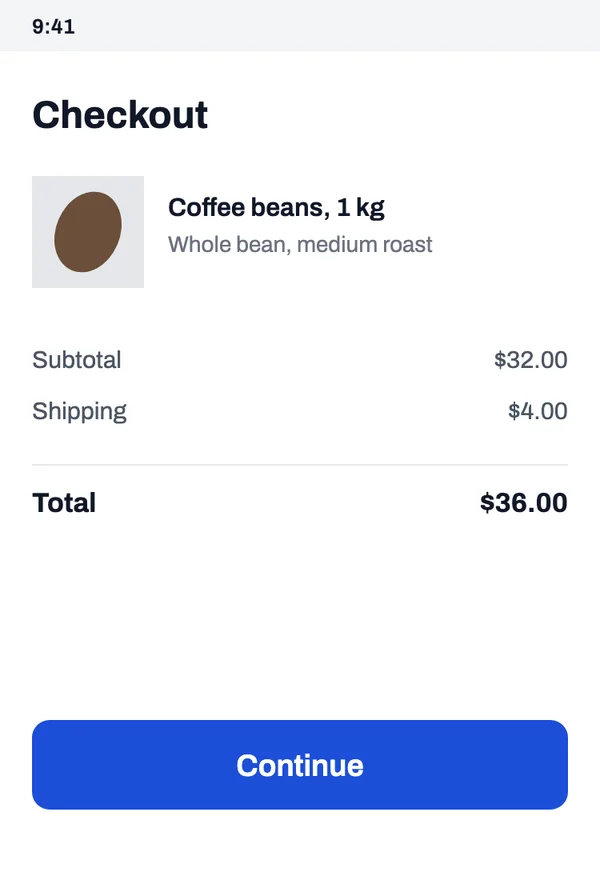
Update a button label on an exported screenshot instead of rebuilding the screen for a mockup, a help article or an app store image.
Food & drink
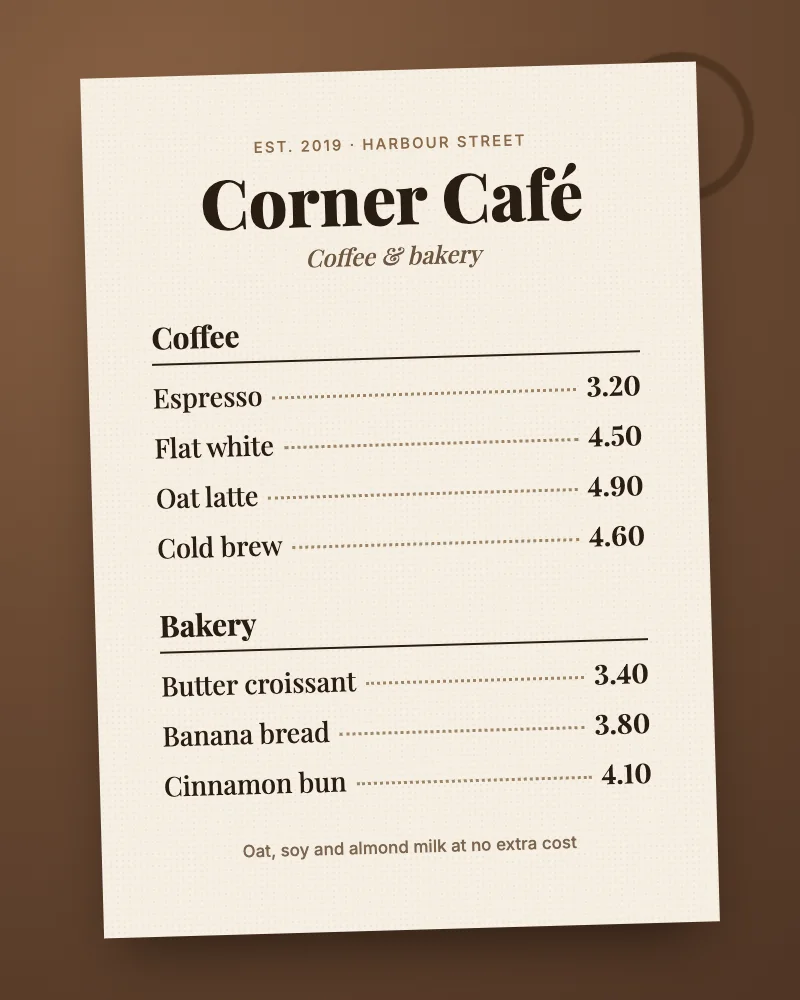
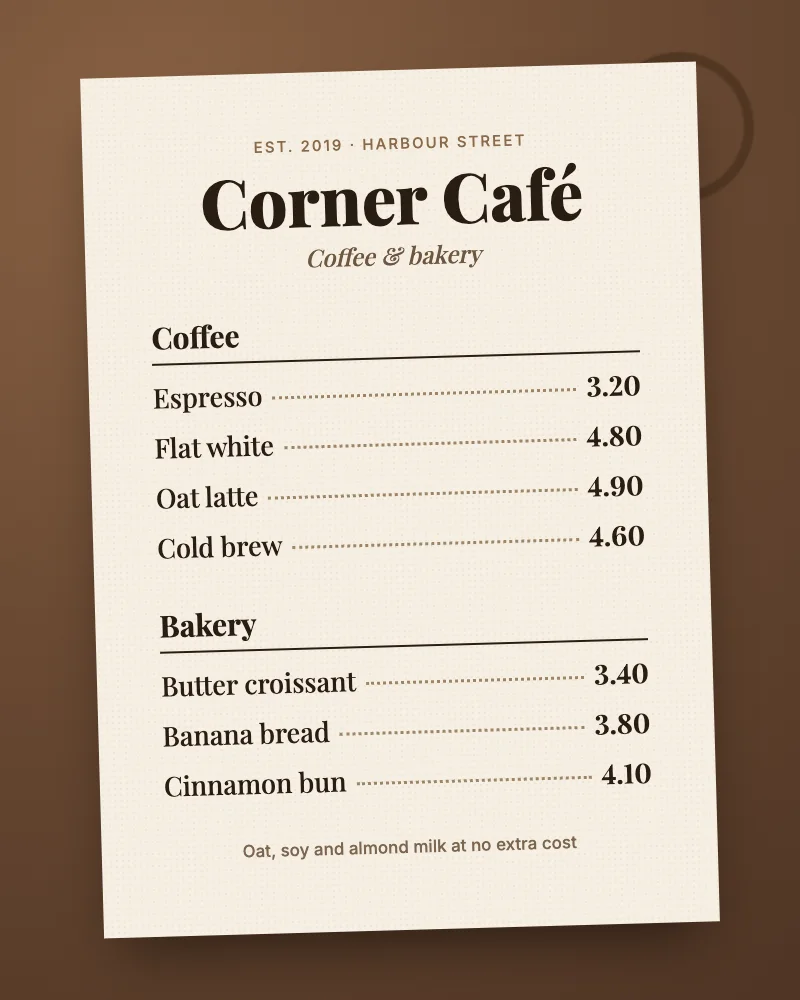
A price went up. Change one number on the printed menu and leave every other line, dotted leader and paper texture alone.
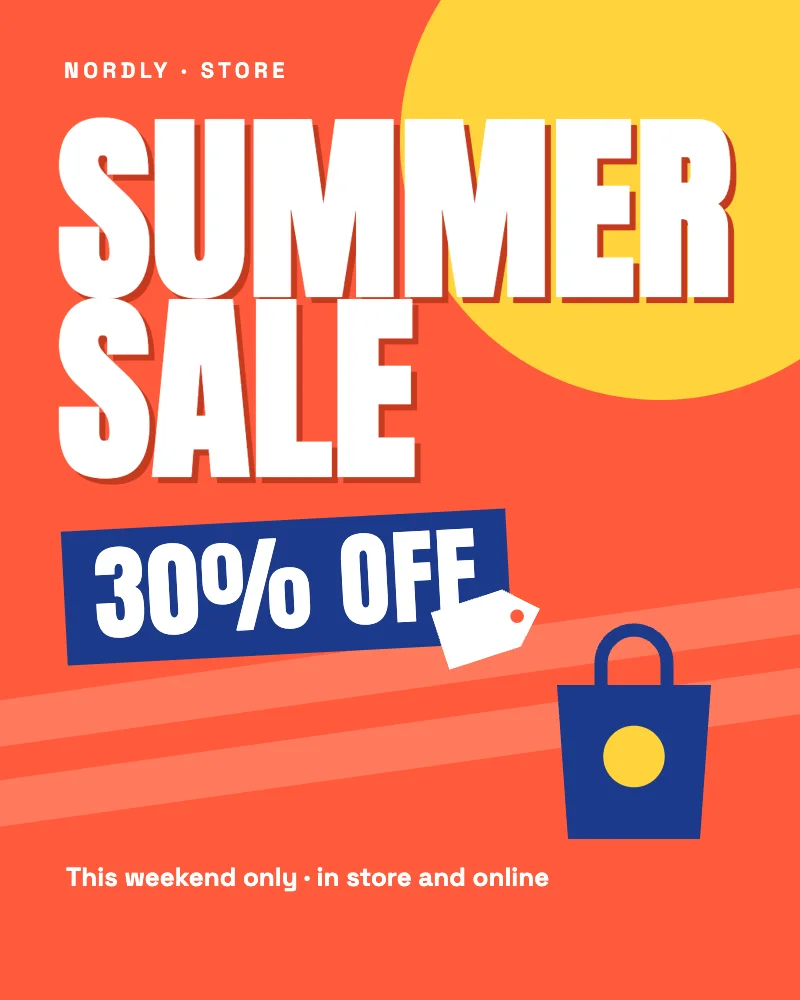
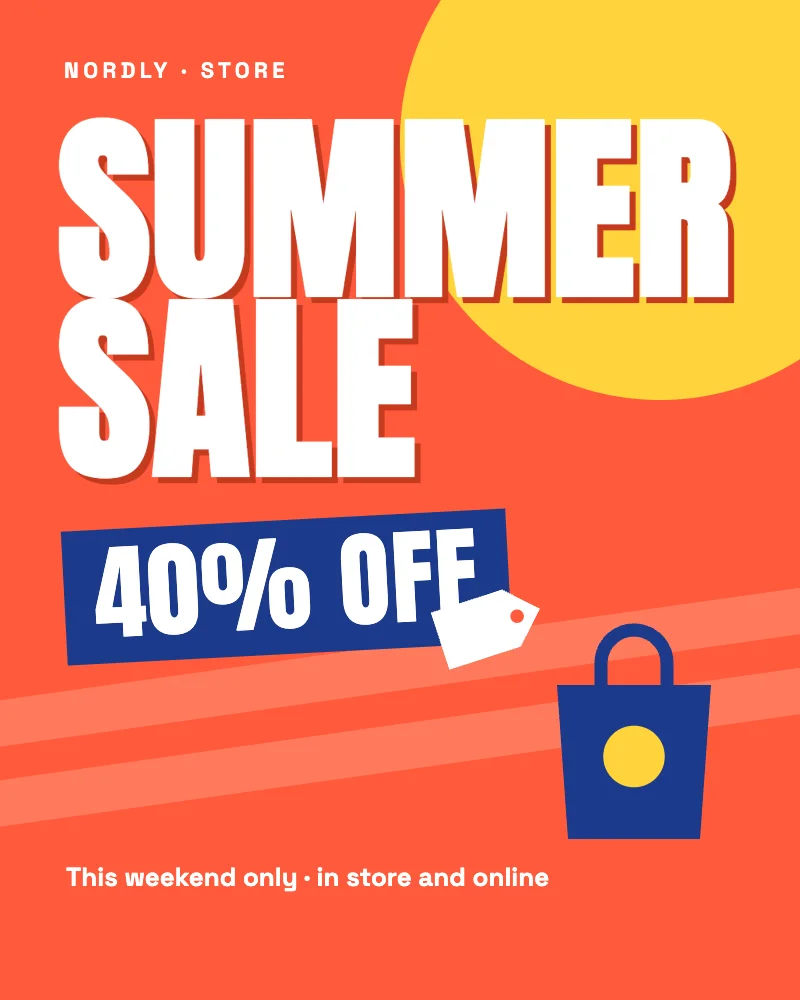
Marketing
Run the same creative with a new offer. Swap the discount and keep the type, colours and layout your designer made.
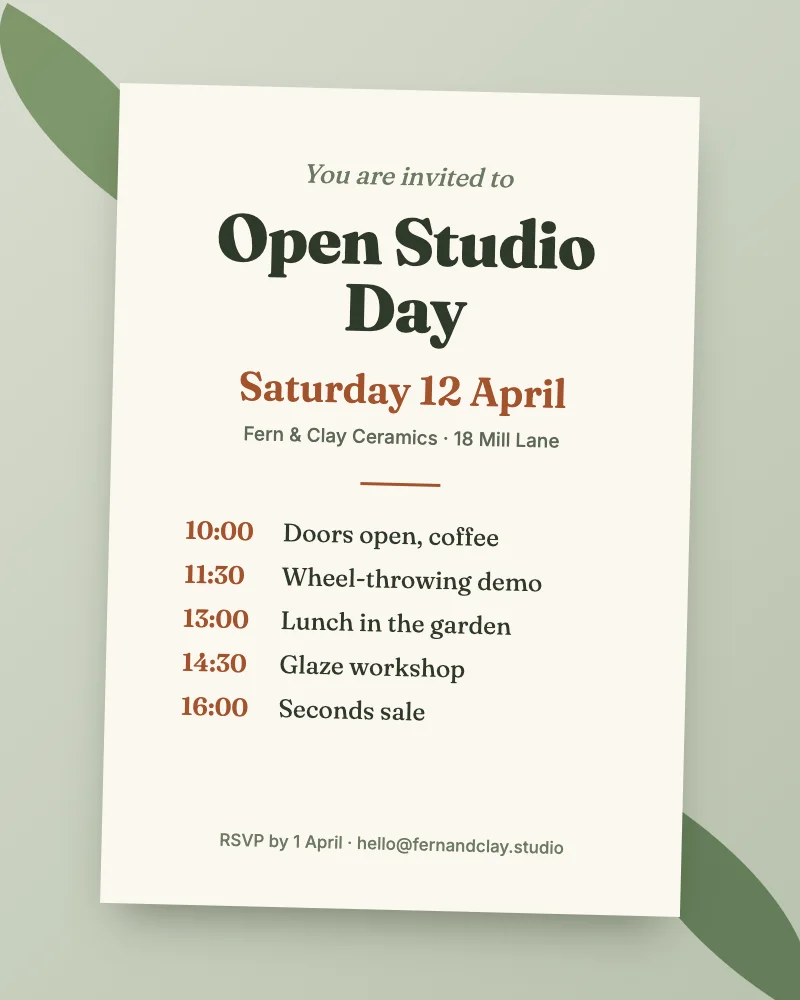
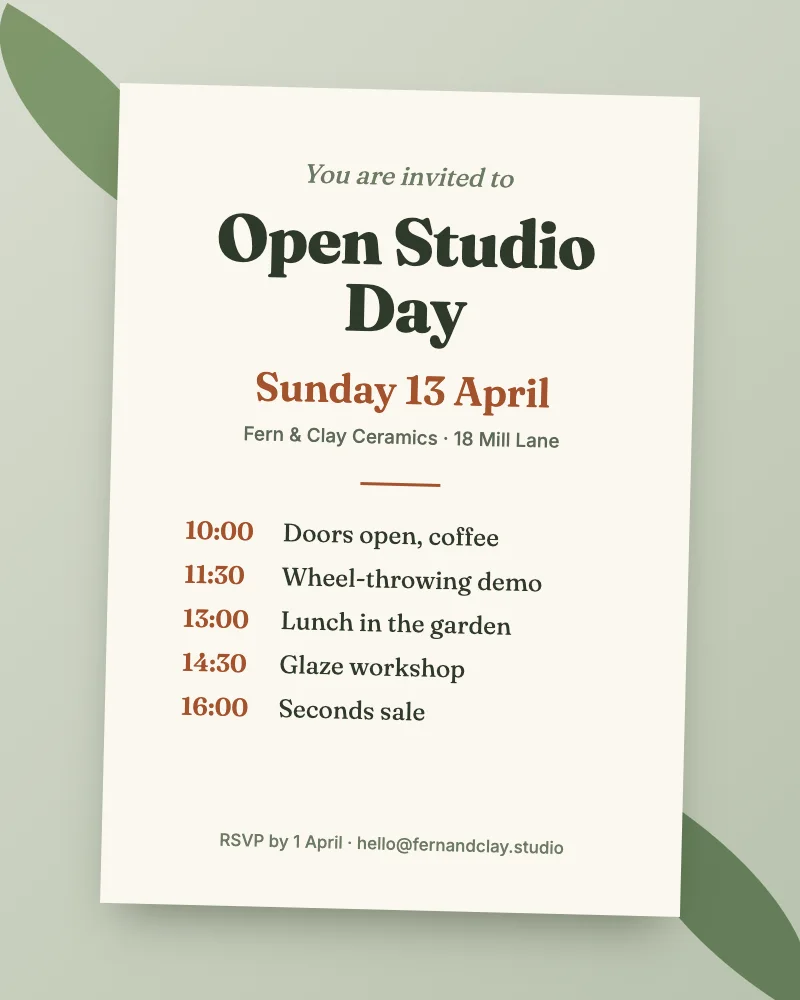
Events
The event moved by a day. Correct the date on the invitation before you share it again, in the same serif and colour.
Type over a word in one of the samples. The right side is redrawn in the sample’s own lettering as you type.
Samples are redrawn in your browser to show the workflow. Your own images go through AI replacement.
Four steps, all in one browser tab. Nothing to install and no account.
Drop, paste or choose a JPG, PNG or WebP. It opens in your browser.
Drag a box over each word or line you want to change, up to three at a time.
The current text is read for you. Type what the area should say instead.
Compare with the original, then save it at the same size and format.
Posters, price tags, screenshots, flyers and product labels: text with a clear printed face and a plain background behind it.
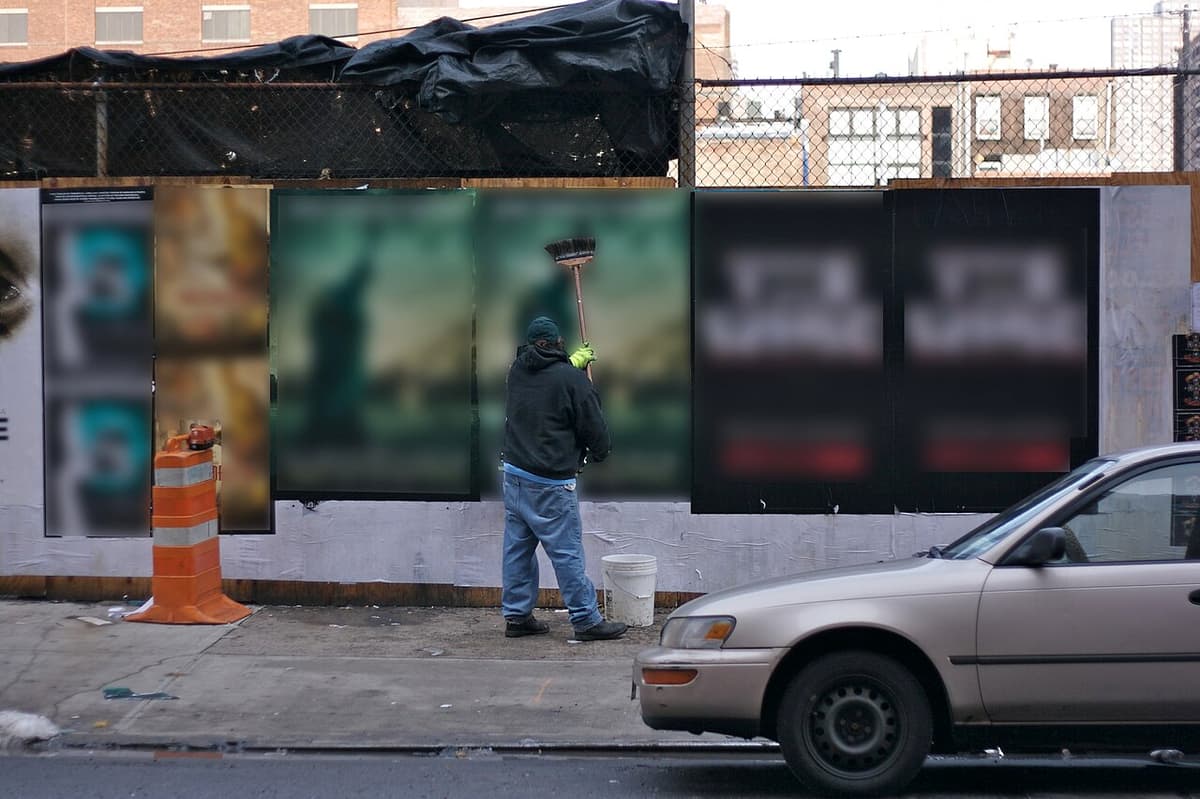
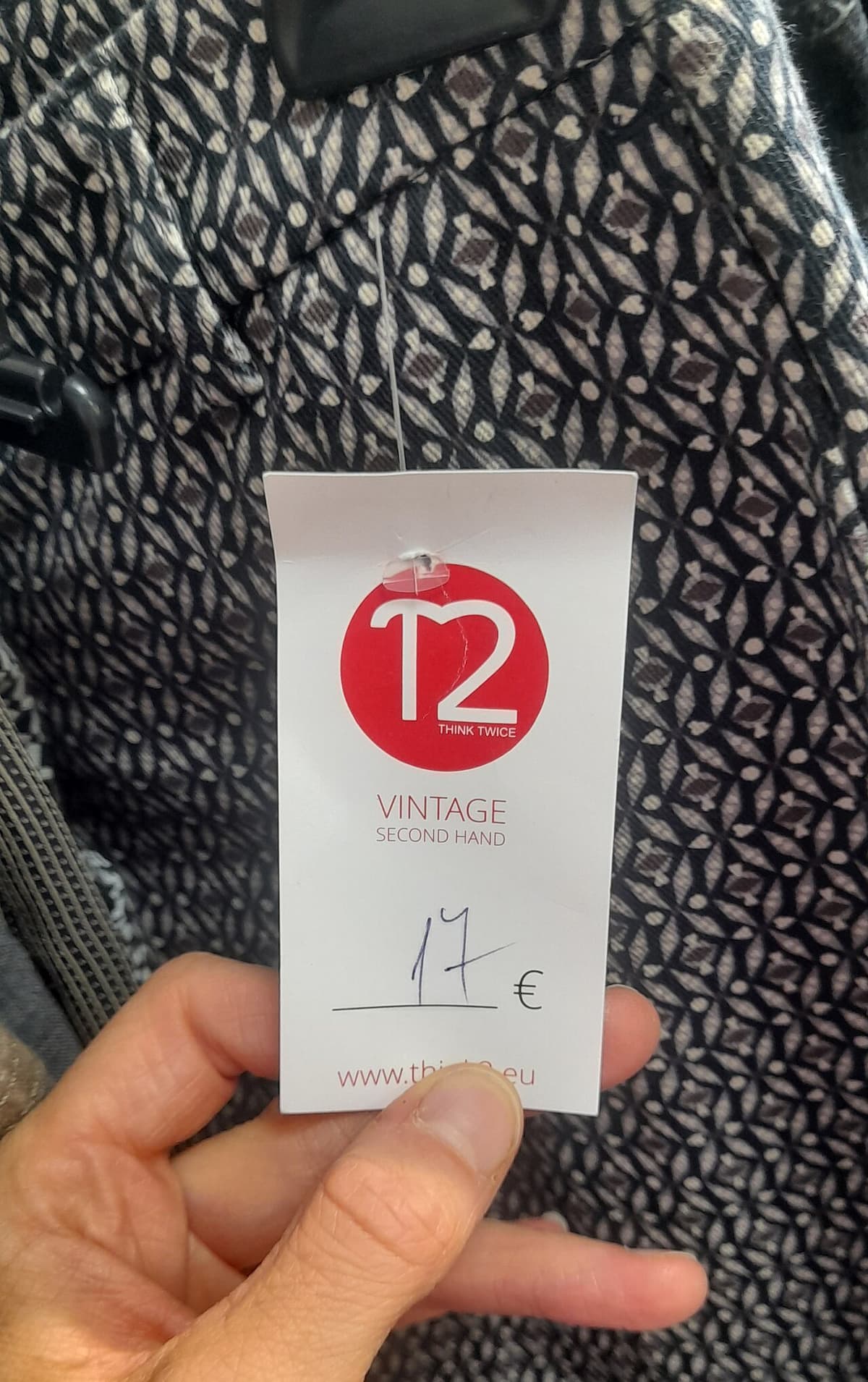
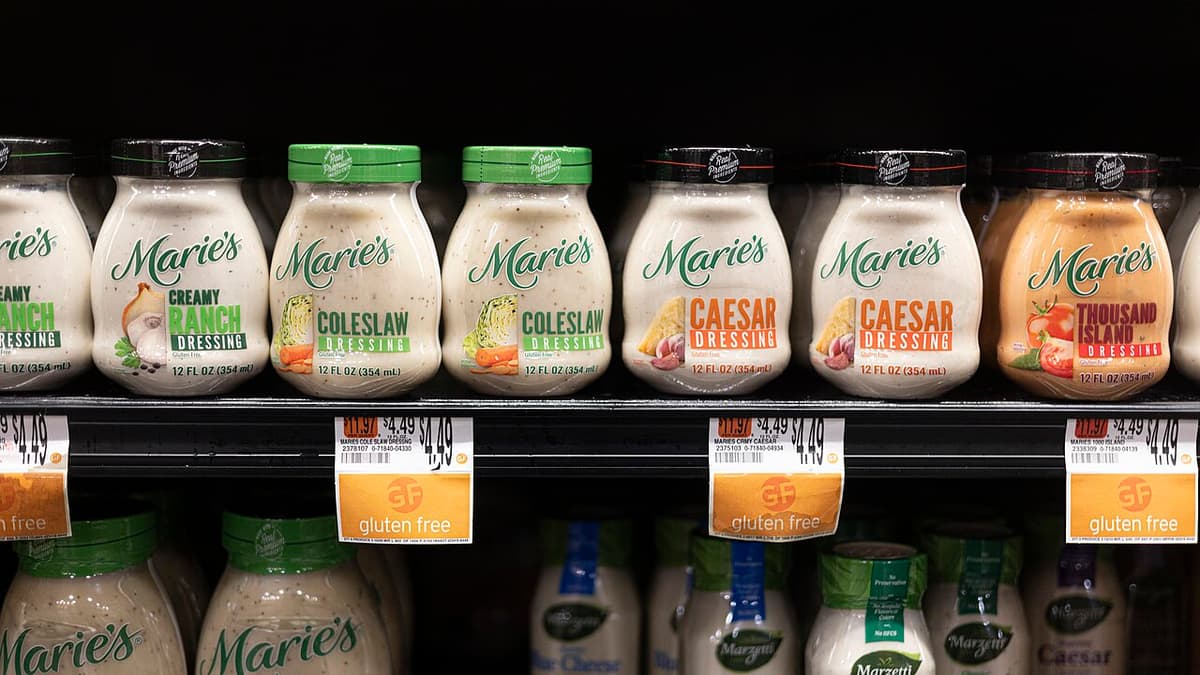
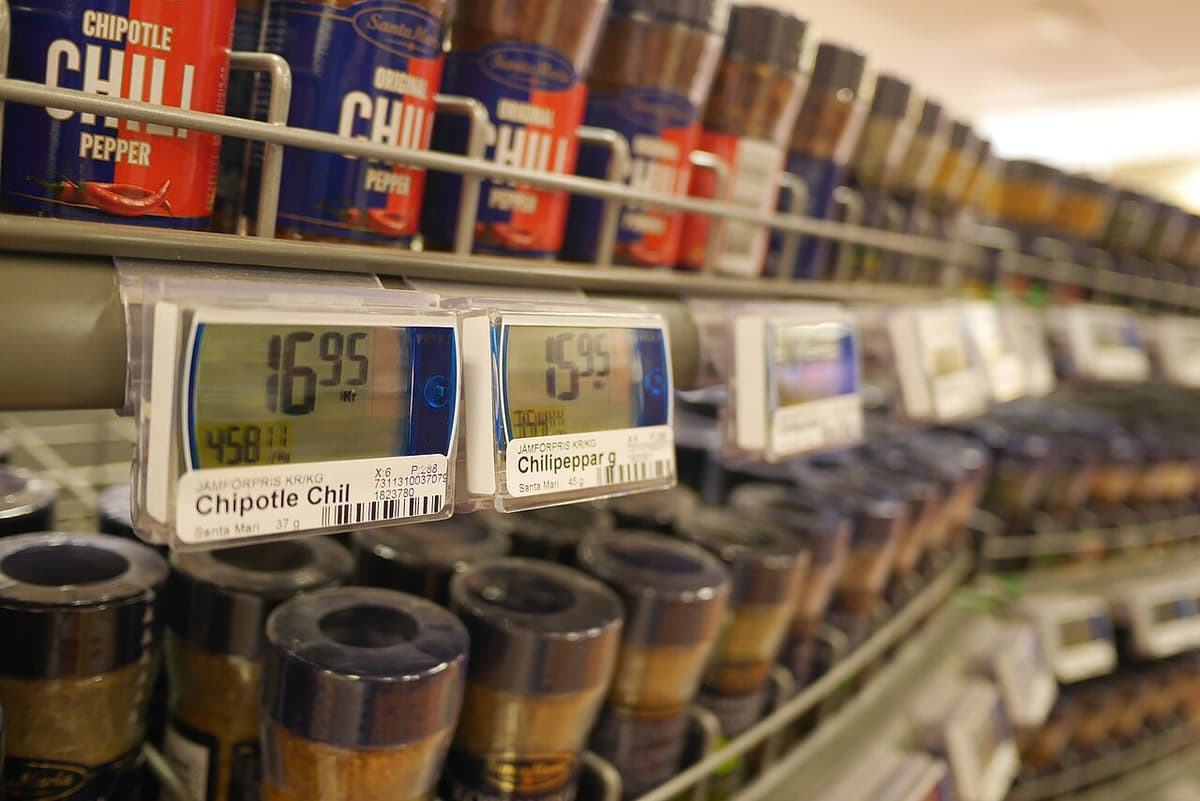
Handwriting and decorative lettering, text under about 12 pixels tall, strongly curved or angled text, busy textures, and scripts other than Latin. Always compare before you download.
IDs, official or stamped documents, receipts, money, or any edit meant to deceive. Read the acceptable use policy.
No subscription, and pack credits never expire. Packs are not on sale yet. See pricing details.
$0every day, no account
Try it on your own images.
$9.9040 edits, $0.25 per edit
For a few posters or price tags.
$19.90120 edits, $0.17 per edit
For regular updates to menus, flyers and listings.
$29.90220 edits, $0.14 per edit
For teams and shops that edit every week.
Packs are not on sale yet. Prices are in USD; nothing is charged on this site today.
Something missing? The privacy page and terms cover the details.
You get a few free AI edits every day without an account. Free edits wait in a short queue and download with a small EditInImage watermark. Credits skip the queue and download without a watermark. Each successfully replaced area counts as one edit; failed areas are not counted. See pricing
Not to try it. Choose an image or a sample and start editing. Sign in with Google to use credits and to keep 30 days of history with your finished images.
AI replacement aims to match the original typeface, weight, size, and color while repairing the background. An exact match is not guaranteed. Built-in samples use a local renderer to demonstrate the workflow; they are not proof of AI model quality.
Only the selected areas are pasted back into the image. The working image keeps all pixels outside those areas and keeps its original dimensions. JPG and other lossy exports can recompress pixels throughout the downloaded file; use PNG when you need lossless output.
Yes. Upload a JPG, PNG, or WebP under 10 MB, with neither dimension above 6,000 pixels. The download uses the same format and dimensions as your image. The editor applies image orientation and creates a new file without the original EXIF metadata.
As many as you need, three at a time. Select up to three areas and replace them, then choose Keep edits and add more: the changes are written into the image and you can select three more, for as many rounds as you like. Each area can hold up to 120 characters of new text, including line breaks. Areas with no new text are left unchanged.
Selecting an image does not upload it. Samples run locally, and reading the current text in an area happens in your browser. If you use configured AI replacement, the selected area and surrounding context are sent for processing. The full original stays in the browser; if you are signed in, the finished image is saved to your history for 30 days. Provider retention and training policies depend on the service configured for this deployment; review the privacy page before sending sensitive content. Read the privacy policy
Clear printed Latin letters, numbers, and short lines are the best starting point. Handwriting, decorative lettering, strong perspective, non-Latin scripts, and text below about 12 pixels tall are less reliable. Always compare the result before downloading.
This version handles one image at a time. PDF files and videos are not supported. You can use a screenshot of a PDF page that you have permission to edit.
Do not alter IDs, official or stamped documents, receipts, invoices, financial records, currency, or any content in a way that misleads people. Use only images you own or have permission to edit. Read the acceptable use policy for the full restrictions. Read acceptable use
Have another question? Contact us at support@editinimage.com
Choose a JPG, PNG or WebP. It stays in your browser until you replace text.


